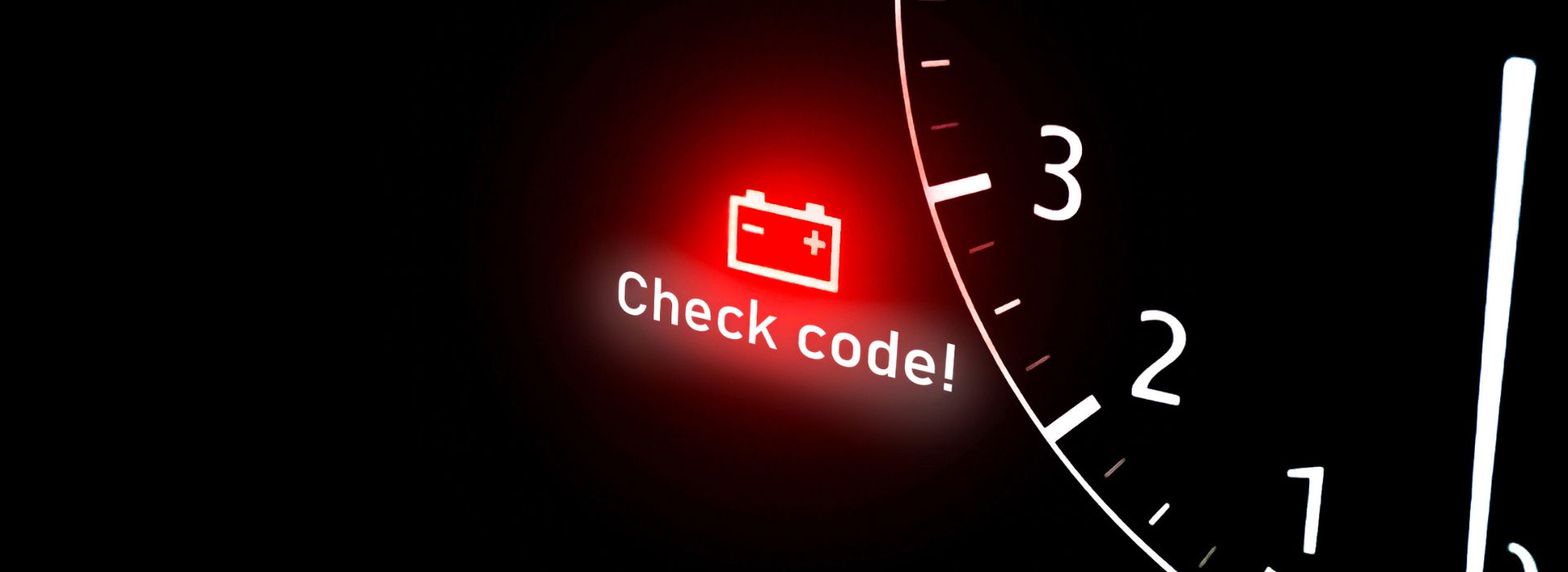
When operating a Massey Ferguson tractor, it’s crucial to understand the various dashboard warning lights and symbols. These lights serve as an early warning system for potential issues, ensuring your tractor remains safe, reliable, and efficient. Whether you’re a seasoned farmer or new to agricultural machinery, decoding the Massey Ferguson dash warning lights can save you time, money, and prevent serious mechanical failures.
In this guide, we’ll break down the most common Massey Ferguson warning lights, explain their meanings, show you what parts might need replacing, and outline what steps to take when one lights up on your dashboard.
Why You Should Know Your Massey Ferguson Dash Warning Lights
Modern Massey Ferguson tractors are equipped with advanced monitoring systems. The dashboard warning symbols act as the first line of defence in alerting the operator to mechanical, electrical, or operational issues. Ignoring a symbol on the Massey Ferguson dash can lead to costly repairs or unsafe operating conditions.
Understanding these symbols is essential not just for maintenance but also for complying with safety standards and maximising the longevity of your tractor.
What the Colours of Massey Ferguson Dashboard Warning Lights Mean
The colour of Massey Ferguson dashboard warning lights gives a quick indication of how serious the issue is:
Red Warning Lights – Critical / Immediate Attention Needed
Red lights indicate a serious fault that could damage the tractor or jeopardise safety.
Examples:
- Engine Overheating
- Low Oil Pressure
- Brake Failure
- Transmission Fault
Action: Stop the tractor immediately and investigate. Continuing operation could cause permanent damage.
Amber or Yellow Warning Lights – Caution / Attention Required Soon
Yellow lights highlight non-critical problems or maintenance needs.
Examples:
- Hydraulic System Warning
- Air Filter Blockage
- Low Fuel or DEF Fluid
- Glow Plug Indicator
Action: Continue use briefly, if necessary, but address the issue soon.
Blue Warning Lights – Informational
Blue lights usually indicate a system or function is active.
Examples:
- High Beam On
- PTO Engaged
Action: No action needed unless the function shouldn’t be on.
Green Warning Lights – System Normal / Feature Active
Green lights show that a system or function is working properly.
Examples:
- 4WD Engaged
- Differential Lock On
Action: None, informational only.
Common Massey Ferguson Dashboard Warning Lights and Symbols
Below are some of the most frequently seen Massey Ferguson dash lights, their meanings, and the parts typically associated with resolving the issues they signal.
-
Engine Temperature Warning Light
Symbol: Thermometer in liquid
Meaning: Your engine is overheating.
Parts to Check or Replace:
- Radiator
- Thermostat
- Coolant temperature sensor
- Water pump
- Radiator fan motor or relay
- Coolant hoses
-
Oil Pressure Warning Light
Symbol: Oil can with a drop
Meaning: Low engine oil pressure.
Parts to Check or Replace:
- Engine oil filter
- Oil pump
- Oil pressure sensor/switch
- Oil pickup tube
- Engine oil (may need full change)
-
Battery/Charging System Light
Symbol: Battery icon
Meaning: The battery is not charging properly.
Parts to Check or Replace:
- Battery
- Alternator
- Voltage regulator
- Battery terminals and cables
- Alternator belt
-
Hydraulic System Warning Light
Symbol: Exclamation mark with hydraulic lines
Meaning: Issue within the hydraulic system.
Parts to Check or Replace:
- Hydraulic pump
- Hydraulic fluid filter
- Hydraulic control valve
- Hydraulic reservoir cap or breather
- Hydraulic hoses
-
Transmission Warning Light
Symbol: Gear icon or exclamation mark
Meaning: Possible transmission problem.
Parts to Check or Replace:
- Transmission fluid and filter
- Transmission solenoids
- Transmission control unit
- Clutch pack (if applicable)
-
Brake Warning Light
Symbol: Exclamation mark in a circle
Meaning: Handbrake engaged or brake system fault.
Parts to Check or Replace:
- Brake fluid reservoir or sensor
- Brake master cylinder
- Brake pads/shoes
- Brake discs/drums
- Parking brake cable or switch
-
Glow Plug Indicator (Diesel Engines)
Symbol: Coil-shaped light
Meaning: Indicates pre-heating of the engine.
Parts to Check or Replace:
- Glow plugs
- Glow plug relay/module
- Engine temperature sensor
-
Service Reminder Light
Symbol: Wrench icon
Meaning: Scheduled maintenance is due.
Parts to Check or Replace:
- Oil filter
- Air filter
- Fuel filter
- Hydraulic filters
- Cabin filter (if applicable)
- Belts and other routine maintenance items
Top Tip: Before replacing any part based on a warning light, it’s strongly recommended to scan the tractor’s onboard diagnostics (if available) or consult a technician. Some warning lights could result from sensor malfunctions rather than actual mechanical failures.
What to Do When You See a Massey Ferguson Dash Warning Light
When a warning light comes on, follow these basic steps:
- Don’t panic – Assess whether it’s safe to continue operating.
- Identify the symbol – Use your tractor’s manual or this guide.
- Perform basic checks – Look for fluid levels, leaks, or odd noises.
- Address the issue – Replace or repair affected parts as needed.
- Contact a technician – If unsure, seek professional help.
Massey Ferguson Dash Symbols You Should Know
Not all Massey Ferguson dash symbols indicate trouble. Some are informational:
- PTO Indicator: Power Take-Off is engaged.
- 4WD Light: Four-wheel drive is active.
- Fuel Level Warning: Low fuel.
- Air Filter Warning Light: Replace or clean the air filter.
- DEF Light (Tier 4 Final engines): Refill DEF or service DEF injector.
Understanding these Massey Ferguson dash warning lights helps maintain optimal operation and reduces the risk of breakdowns.
Tips for Preventing Massey Ferguson Warning Lights
To minimise unexpected warning lights:
- Check and top off fluids regularly
- Inspect belts, hoses, and filters
- Clean battery terminals
- Follow the maintenance schedule
- Store your tractor properly
Preventive care is the key to avoiding costly repairs triggered by Massey Ferguson warning lights.
To Finish Off
Massey Ferguson warning tractor dashboard symbols are crucial for protecting your equipment. By learning what each Massey Ferguson dash warning light means and knowing which parts to inspect or replace, you stay in control of your tractor’s health and performance.
When in doubt, consult your operator’s manual or a Massey Ferguson service technician. Early intervention keeps your tractor running longer and stronger.
FAQs About Massey Ferguson Warning Lights
Q: What does a flashing red light on my Massey Ferguson dash mean?
A: Flashing red usually indicates a critical system failure. Stop the tractor immediately.
Q: Can I continue operating if a yellow warning light is on?
A: Yellow lights suggest caution. It may be safe to operate temporarily, but inspection is recommended.
Q: Where can I find parts to fix a dashboard warning issue?
A: Parts are available from Massey Ferguson dealers, online and agricultural equipment stores. Always confirm the part matches your model. Here at Ned Murphy Tractors Ltd. We sell a variety of Genuine, Economic and Second-Hand parts to help get your tractor back up and running. Shop Now.
Stay informed, stay safe, and take control of your Massey Ferguson’s health by paying attention to its dash warning lights and symbols.
Have any queries about a warning light appearing on your Massey Ferguson dashboard? Contact us and we’ll be happy to help.